

AfterWash Area Web App
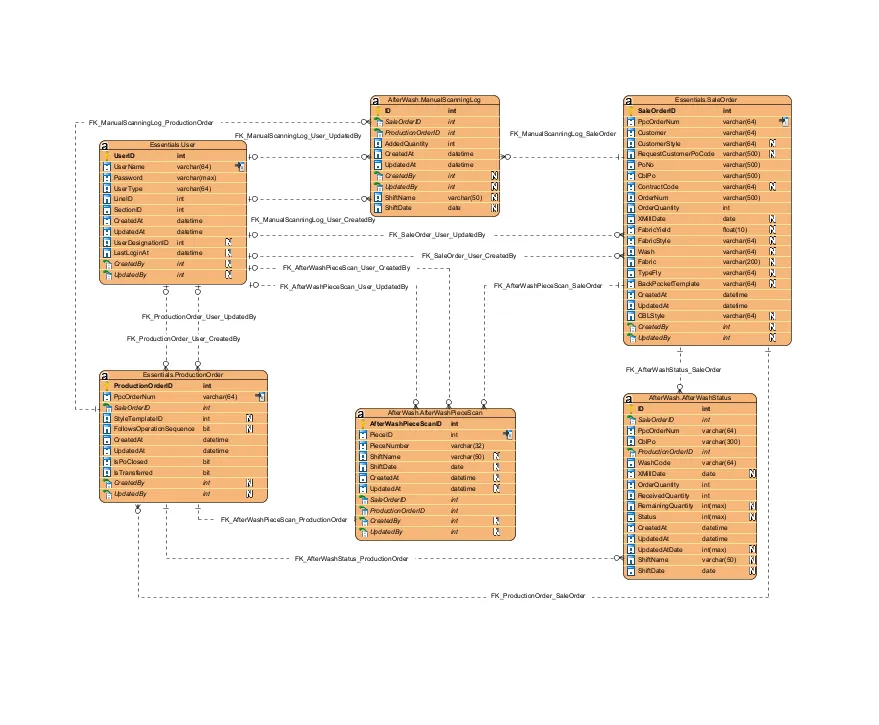
System designed to manage quality control processes after an item has been washed. This application focuses on scanning cut labels and matching them with the correct wash code to ensure accuracy. It also provides tools for tracking and submitting partial scans, sorting items, and generating summaries of both incomplete and complete orders. The system’s summary feature includes a color-coded display based on X-Mill dates to help users prioritize older orders.
Application Flow
Section titled “Application Flow”Login Process
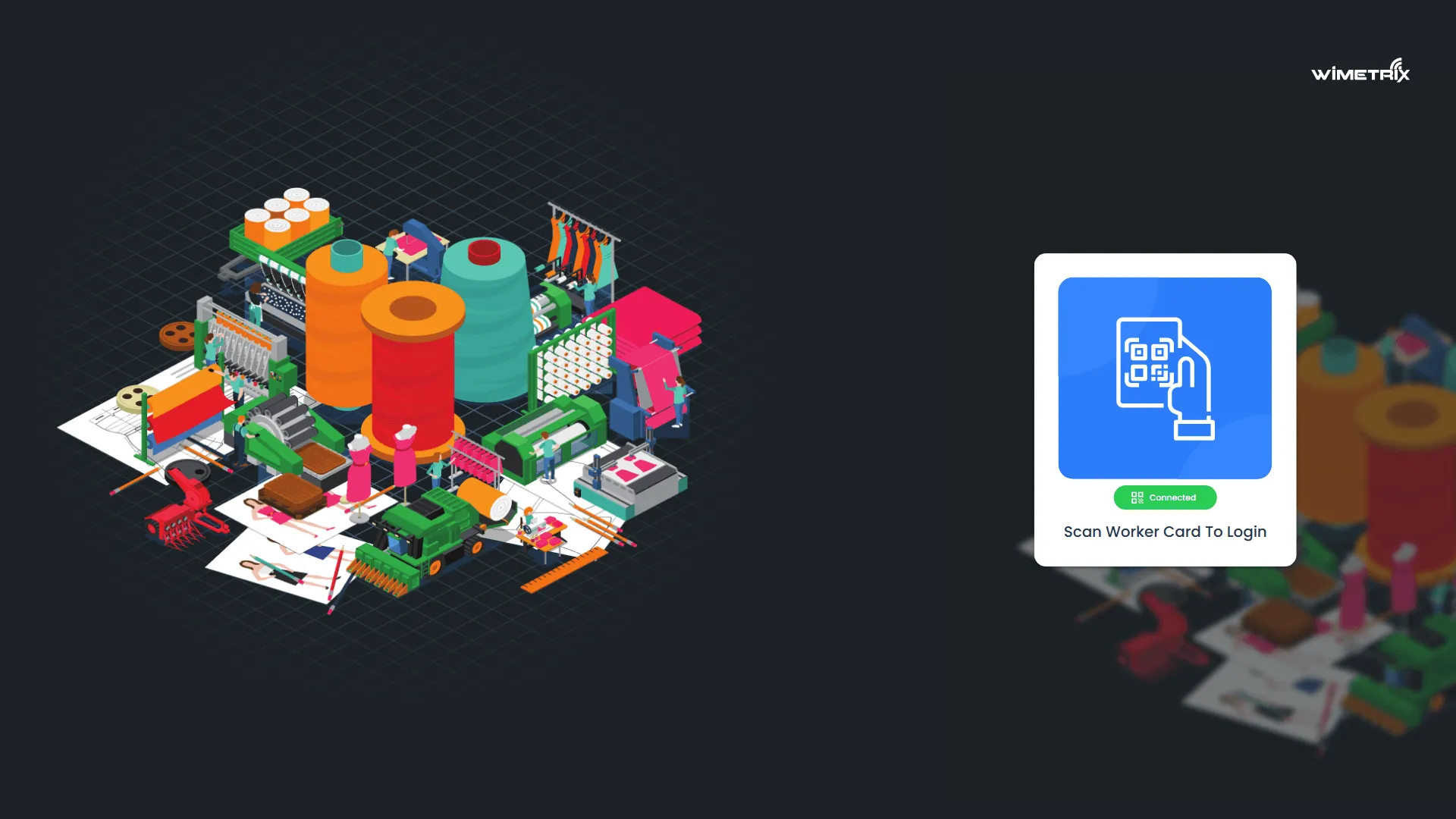
Section titled “Login Process”- Users log in by scanning a worker card (CBL employee barcode or a QR sticker generated by WiMetrix).
- Access is granted to the main dashboard upon successful authentication.
Main Screen
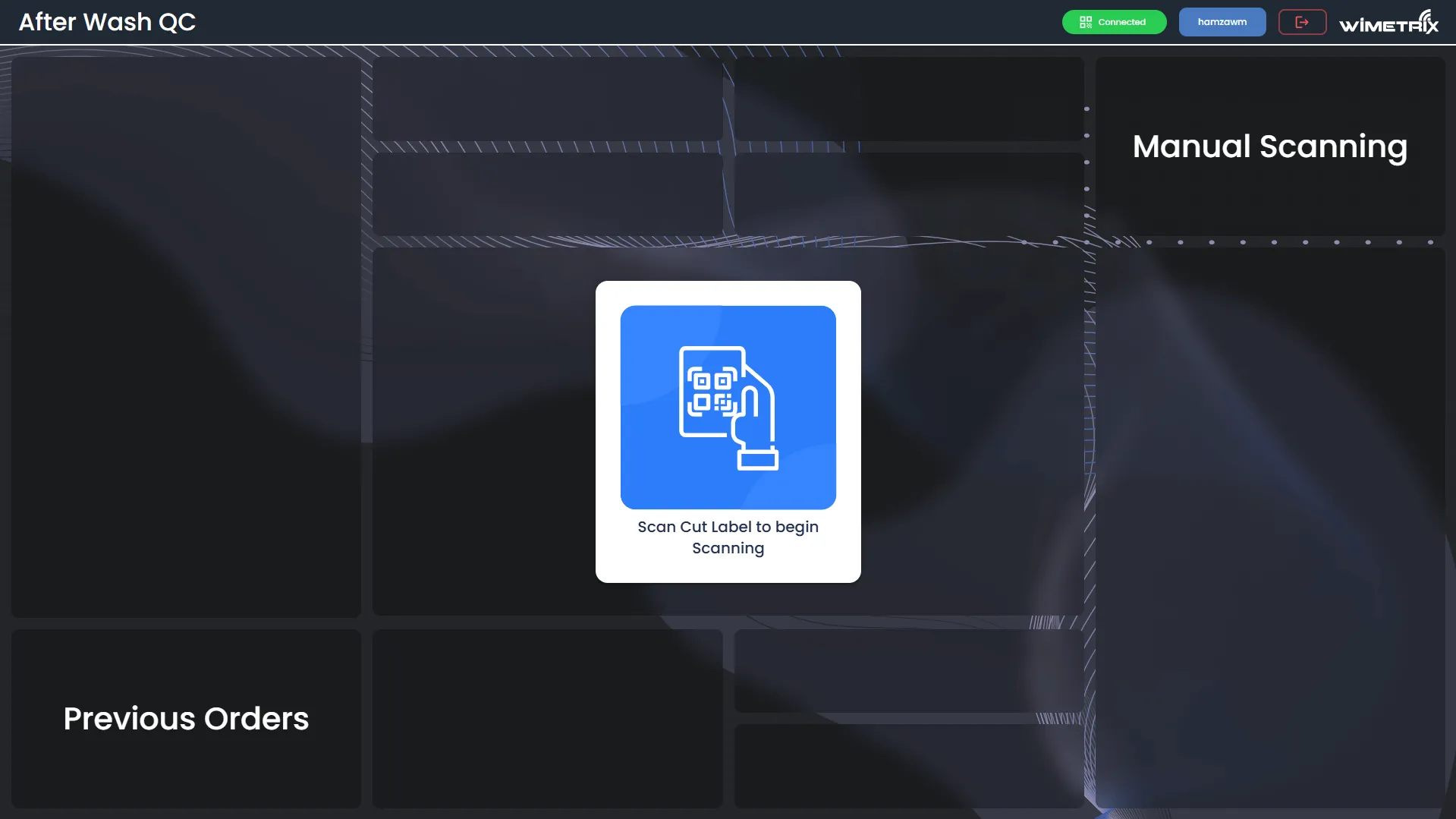
Section titled “Main Screen”The main screen allows users to begin scanning by using a Cut Label. Users can also view previous orders by clicking a specific tab.
-
Only cuts that have been completely cleared from the Staging area can be scanned.
-
If a cut label has already been scanned, the user will be prompted with a message.
Main Display (After Wash QC Scanning)
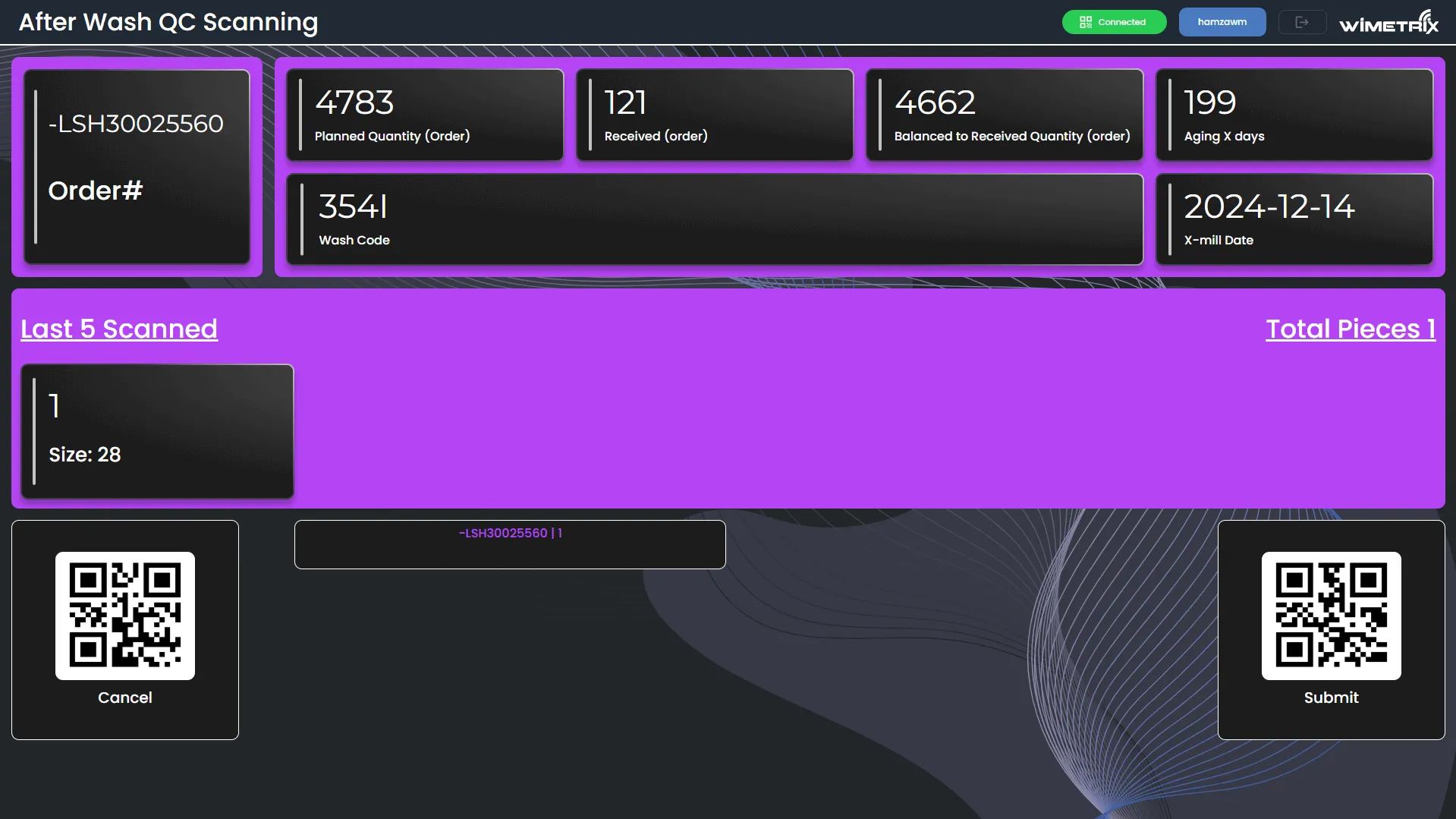
Section titled “Main Display (After Wash QC Scanning)”- The Wash code used in this application must be the same as the one on the physical item being scanned. A user can scan different POs (Purchase Orders) as long as they have the same Wash code. If a different order with the same wash code is scanned, the system will display the relevant order details.
- Users can submit partial scanning for any order and then continue with a new wash or PO. If an order changes during scanning and cutting, the system will alert the user with a flashing screen and different audio to assist with sorting. A wrong activity will cause the system to show an error with a buzz sound.
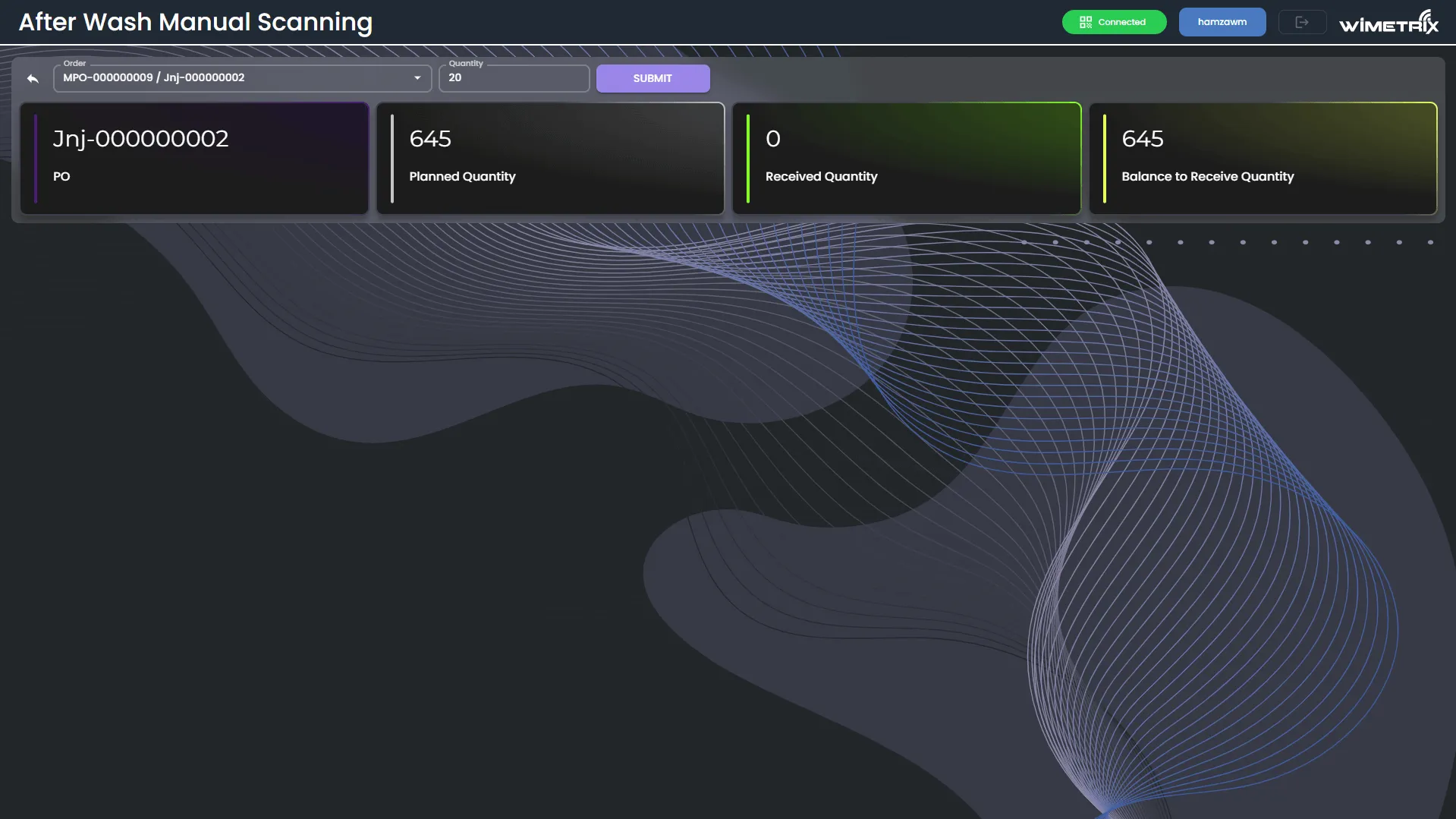
Manual Scanning page
Section titled “Manual Scanning page”User can Add Manual Scannings by selecting Order from Dropdown and entering Quantity to be add.
Previous Orders page
Section titled “Previous Orders page”After Wash QC Summary screen allows users to search through PO and Wash Codes. It can be filtered by shift and displays different summaries for incomplete and complete orders.
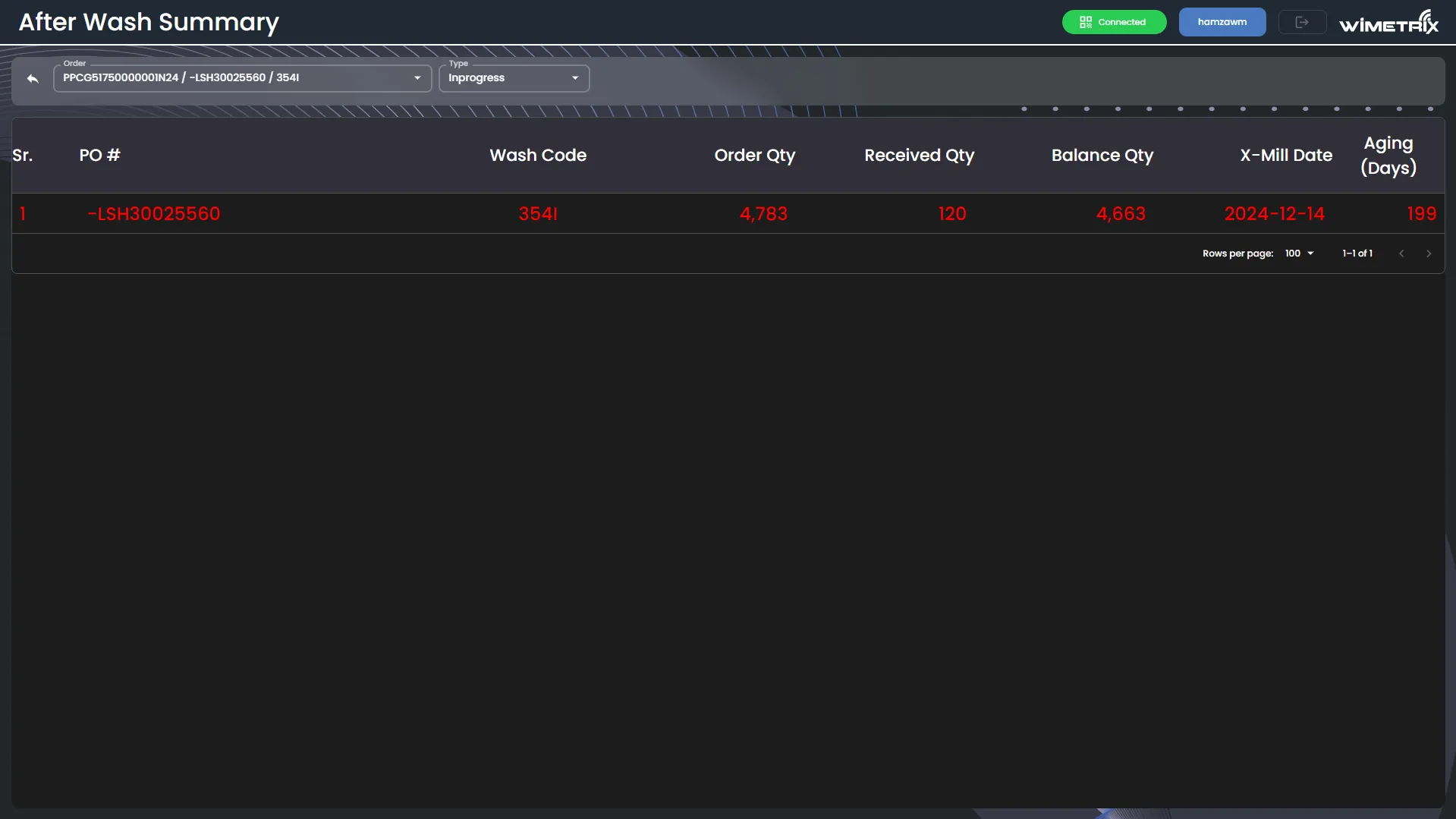
Color Coding based on X-Mill Date:
Section titled “Color Coding based on X-Mill Date:”- If the X-Mill date is less than 7 days, the display color will be RED.
- If the X-Mill date is greater than 7 days and less than 14 days, the color will be BLUE.